
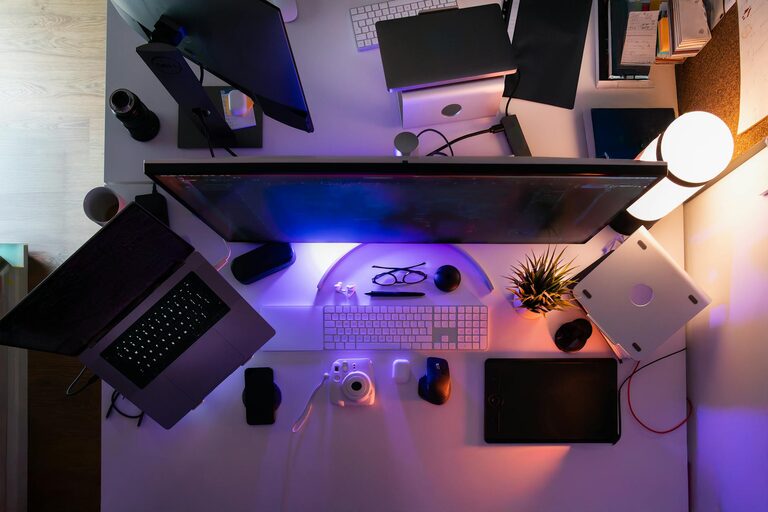
Spending hours in front of computers, tablets, and smartphones has become a daily routine for many of us. Whether for work, study, or entertainment, screens are everywhere. But extended screen time can lead to eye discomfort and fatigue if we don’t take proper care. Thankfully, there are easy and practical ways to protect your eyes and reduce strain.
In this post, we’ll explore why screen time affects your eyes and share actionable tips to help you maintain good eye health.
Why Screen Time Affects Your Eyes
When you focus on a screen for a long time, your eyes have to work harder. Some common effects include:
– Eye strain: Muscles controlling your eyes get tired.
– Dry eyes: You blink less while staring at screens.
– Blurred vision: Focusing for extended periods can cause temporary blurriness.
– Headaches and discomfort: Resulting from eye fatigue.
Understanding these issues helps you take steps to reduce their impact.
Simple Habits to Protect Your Eyes
1. Follow the 20-20-20 Rule
One of the easiest ways to reduce eye strain is to give your eyes regular breaks.
– Every 20 minutes, look away from your screen.
– Focus on something 20 feet away.
– Maintain this gaze for at least 20 seconds.
This exercise relaxes the eye muscles and reduces fatigue.
2. Blink Often to Prevent Dryness
Blinking keeps your eyes moist and comfortable. When using screens, people tend to blink less.
– Make a conscious effort to blink frequently.
– If your eyes feel dry, try using artificial tears recommended by a pharmacist.
3. Adjust Your Screen Settings
Proper screen settings can make a big difference.
– Brightness: Match brightness to your environment to avoid glare.
– Contrast: Increase contrast for better clarity.
– Text size: Make text large enough to read comfortably without squinting.
– Color temperature: Warmer tones in the evening can reduce blue light exposure (some devices have “night mode” settings).
4. Position Your Screen Properly
Your screen’s position affects how much strain your eyes experience.
– Place your screen about an arm’s length away (roughly 20-24 inches).
– The top of the screen should be at or slightly below eye level.
– Tilt the screen to reduce glare from overhead lighting or windows.
5. Use Proper Lighting
Avoid working in a dark room or under harsh lighting.
– Use balanced lighting that reduces glare and harsh shadows.
– Consider an adjustable desk lamp that provides focused light.
– Reduce reflections on your screen by adjusting the angle or closing blinds.
Additional Tips for Eye Comfort
Wear Computer Glasses if Needed
If you wear prescription glasses, ask your eye care professional about lenses designed for computer use which reduce strain and glare.
Practice Good Posture
Sitting properly supports your eyes and reduces tension in your neck and shoulders.
– Sit with your back straight.
– Keep feet flat on the floor.
– Use a chair that supports your lower back.
Stay Hydrated and Maintain General Health
Good overall health supports eye function.
– Drink plenty of water throughout the day.
– Eat a balanced diet rich in leafy greens, carrots, and omega-3 fatty acids.
Schedule Regular Eye Exams
Visit an eye care professional regularly to check your vision and discuss any issues related to screen time.
Summary
Protecting your eyes during screen time is important for comfort and long-term eye health. Incorporate habits like taking regular breaks, blinking frequently, adjusting your screen settings, and maintaining proper posture. With small changes, you can reduce eye strain and enjoy your digital devices without discomfort.
Remember, your eyes work hard for you—show them some care!